Road to IELTS
A homework app for one-to-one English tutoring, built around Complete Key for Schools, Cambridge University Press.
The demo shows one unit as the student and the teacher see it: five homework days on the phone, the road map the student starts from, and the teacher's dashboard.
Unit 1: Hi, how are you?Five homework days, A1 → A2
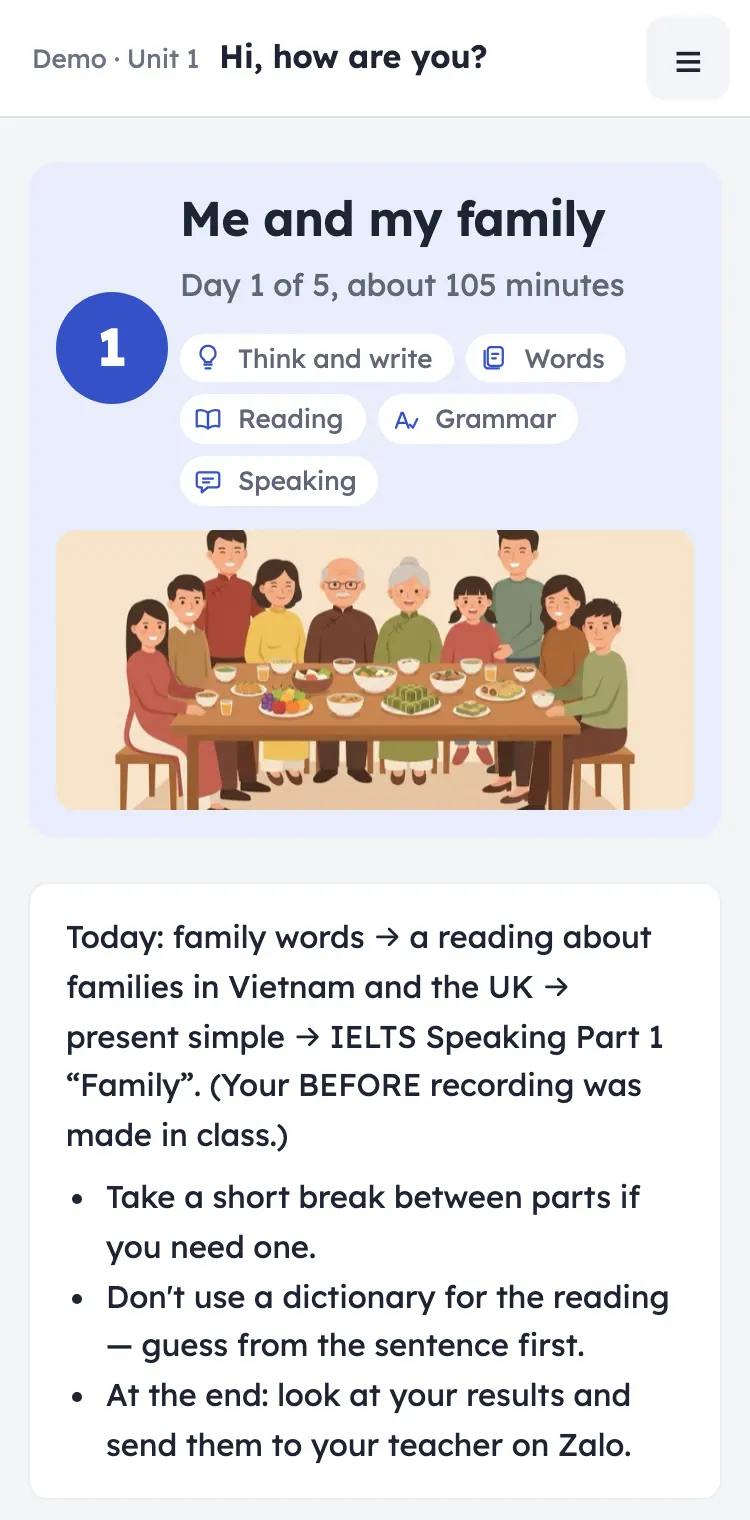
- Day 1Me and my family
- Day 2Listening Part 1 and my week
- Day 3Workbook day
- Day 4Speaking: from answers to a talk
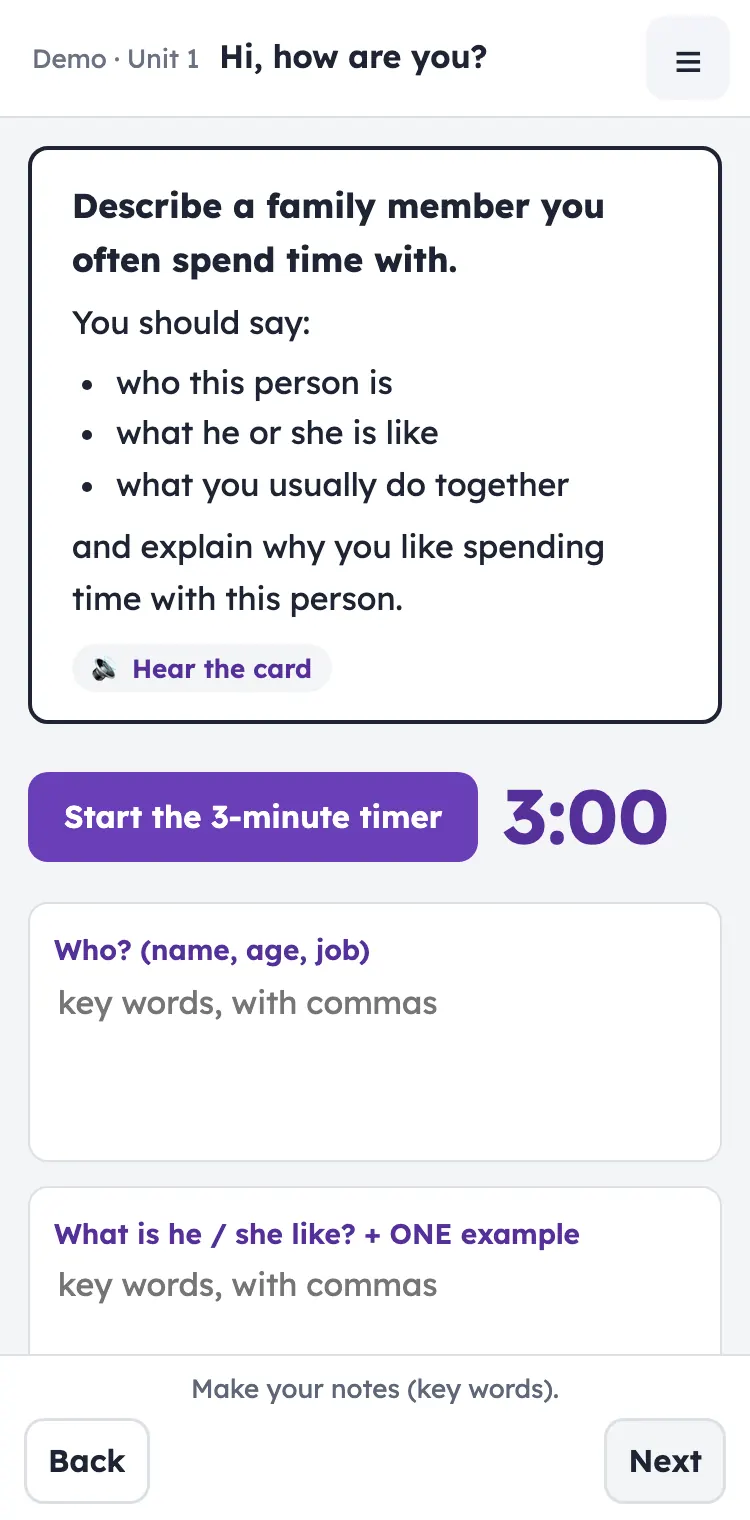
- Day 5People I spend time with
The problem and the approach
The problem. Students who start at A1–A2 need practice every day between lessons, and many will need IELTS later.
The coursebook gives the language. It doesn't give that daily practice, a gentle first step into IELTS tasks, or a way for the teacher to see the homework without chasing it.
The approach. I turned a unit of Complete Key for Schools into five homework days on the student's phone and built them into one app, with a road map for the student and a dashboard for the teacher. The demo shows Unit 1.
- Backward design
- Each homework day builds to a speaking or writing task. The words, reading and grammar before it are the ones that task needs.
- Scaffolding that fades
- Models, frames and sentence starters come first, then step back during the week until the student works alone on new material.
- The speaking ladder
- Over the five days, speaking grows from full-sentence answers to a 30–45 second IELTS Part 2 talk from notes.
- First steps in IELTS writing
- Day 3 rebuilds a model and then paraphrases it: the first step towards IELTS writing.
- Extra help
- One setting gives a student who needs more support a lighter version of the same unit: same topic, shorter end task, more support.
- The English checker
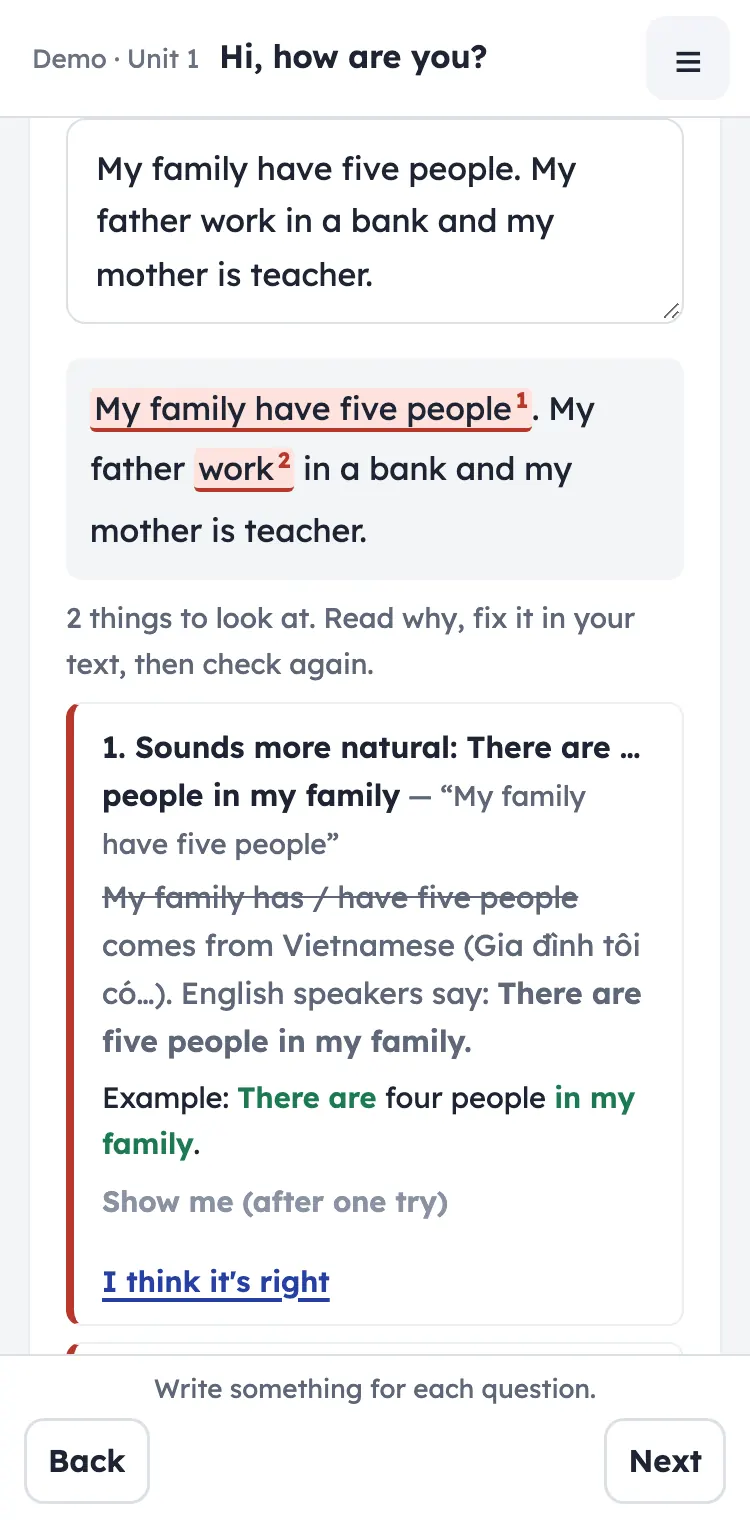
- Before a model answer appears, the app checks the student's sentences and explains each problem, often the Vietnamese pattern behind it. The student fixes it.
- The road map
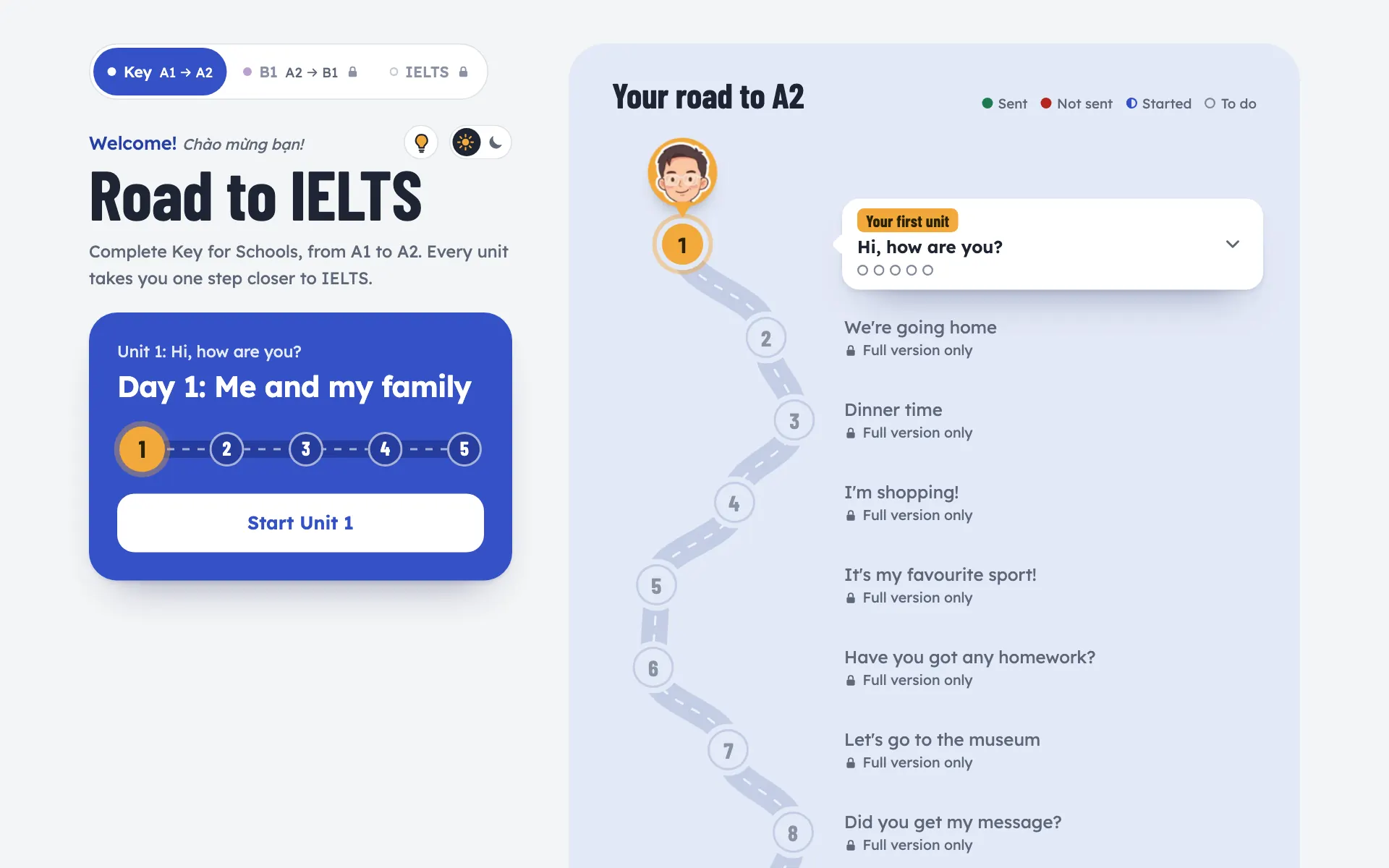
- The student's start page shows the unit they are on, the next day to do and which days were sent.
- Results to the teacher's Drive
- At the end of each day the student sends a results file: what was right at the first attempt, time per part and the writing. It lands in the teacher's Google Drive.
- The 'Today' dashboard
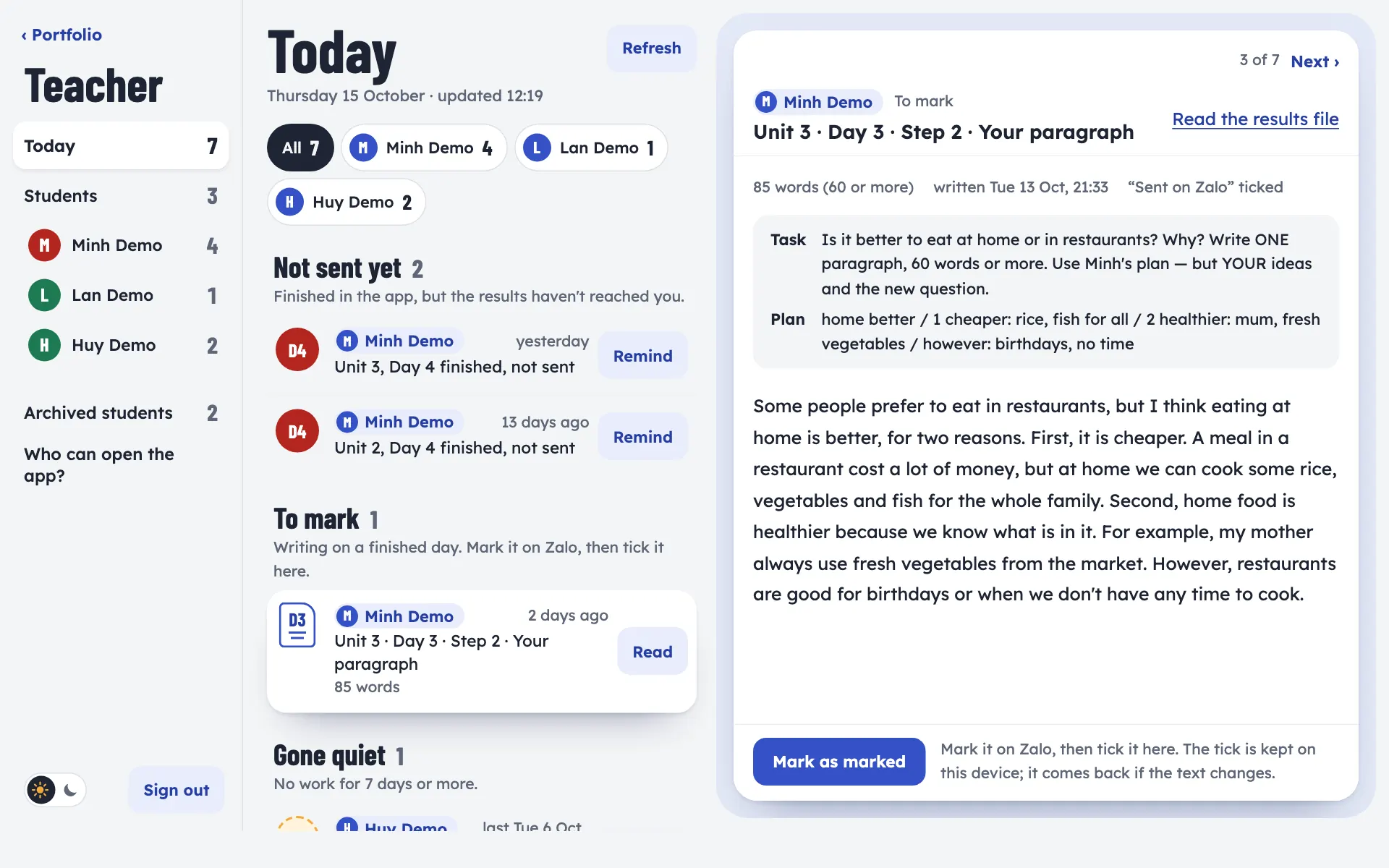
- The teacher page turns those files into one list: what wasn't sent, what to mark, what's new and who has gone quiet.
What it looks like
First results
of his homework answers were right on the first try (675 scored answers in all).
“First try” means his first answer to each question, before any feedback. The app checks every answer, shows what is wrong and lets the student try again; only the first answer counts here.
- Homework done in the app
- 10 days, about 3½ hours a week
- A typical homework day
- 48 minutes (median)
- Exam-style tasks, first try
- IELTS Reading 11/12 and 10/10, IELTS Listening 6/7
One student, and each unit is new material, so this shows progress across units, not a controlled test.
Try it
One unit of the Key course (A1 → A2), as the student and the teacher see it. Every page opens on a phone or a laptop, and nothing you type is sent anywhere.
As the student
- Unit 1 homework
Five homework days on the phone. Each day starts with a plan, then new words, reading or listening, grammar, and speaking or writing, with the English checker. At the end, the day's results go to the teacher.
Open the homeworkPassword - Road map
Where the student starts: the next day to do, which days were sent and what the unit teaches. Only Unit 1 is open; the other units are locked.
Open the road mapNo password
As the teacher
- Teacher dashboard
The ‘Today’ list for three made-up students: homework not sent, writing to mark and who has gone quiet. A link to a page outside the demo opens a short note.
Open the dashboardNo password - Unit 1 homework, teacher view
The same five days with model answers always visible, no play limit on audio and the Extra help setting.
Open in teacher viewPassword
The password is on my CV, next to the QR code. The homework then asks for a name: any name works.
Built around Complete Key for Schools, Cambridge University Press. The demo homework includes licensed coursebook material and is password-protected for evaluation only.
How it was made
Course design, teaching decisions and content direction by Nguyen Khanh Linh; app built with an AI assistant (Claude).
Tech: a single-file web app per unit on Cloudflare Pages, results sent through Google Apps Script to Google Drive, audio voiced with Kokoro text-to-speech and every clip checked with Whisper.